Afterglow Revives Classic After Dark Screen Savers for Modern Macs
Afterglow, a new project by Jeff Halter, allows users to run original 68k After Dark screen savers on modern Macs without emulators or vintage hardware.

Afterglow, a new software project by Jeff Halter, lets users run the original 68‑bit After Dark screen‑saver modules on current macOS systems without needing a full classic Mac OS emulator or vintage hardware. The tool, described on Daring Fireball, emulates the legacy modules directly and includes a modern macOS screen‑saver wrapper, allowing any imported After Dark module to be set as a native Mac screen saver.
The After Dark collection, released by Berkeley Systems in the 1990s, was a staple of Macintosh computers, featuring popular animations such as Flying Toasters, Fish, and Starry Skylines. While the screen savers originally served to prevent burn‑in on CRT displays, they also became a cultural touchstone for Mac users, offering playful and sometimes surreal visual entertainment. Over the years, enthusiasts have struggled to run these classic modules, relying on fragile emulation setups or obsolete hardware that could not faithfully reproduce every animation speed or visual effect.
Halter’s Afterglow addresses those limitations by providing an emulator built specifically for After Dark modules. The software runs the original 68‑bit module code, avoiding the need for classic Mac OS ROMs or a full operating‑system environment. This design is part of a broader software‑preservation effort, aiming to keep the original artistic works accessible on modern hardware for years to come. The project’s website notes that the After Dark modules themselves are not included; users must locate and import the modules separately, and the site offers guidance on how to do so.
In addition to the core emulation, Afterglow offers a range of features that enhance the user experience. The interface includes module controls for pausing, rewinding, and adjusting playback speed, and a full‑screen mode that mirrors the original screen‑saver appearance. A randomizer can cycle through multiple modules, and multimodule support allows users to load several modules for quick switching. Visual enhancements include 3D box art, a CRT shader that simulates the look of older displays, and a resource inspector that displays module metadata. For advanced users, a DrawMorph editor lets developers modify morphing animations within modules.
The project’s development history ties back to Halter’s earlier work on Lunacy, a Swift application that brings the classic Lunatic Fringe game from the More After Dark collection to modern Macs. Both projects share the same goal of preserving and reviving classic Mac software without the overhead of emulating an entire legacy operating system. Afterglow is distributed as a native macOS application, and its source code is available for review, underscoring its open‑source commitment.
For those interested in experiencing the nostalgic visual flair of the 1990s on a contemporary Mac, Afterglow provides a straightforward solution. By eliminating the need for emulation layers and hardware constraints, the tool restores the original After Dark modules in a format that integrates seamlessly with modern macOS. Users can enjoy the classic animations as part of their daily workflow or simply as a retro entertainment option, ensuring that these iconic screen savers remain accessible to new generations of Mac users.
Comments (0)
No comments yet — be the first to weigh in.

Energy biz SSE smacked around in court by a guy and AI
An Oxford doctoral student has defeated British energy provider SSE Energy Supply in court after utilizing artificial intelligence models to build his legal def...
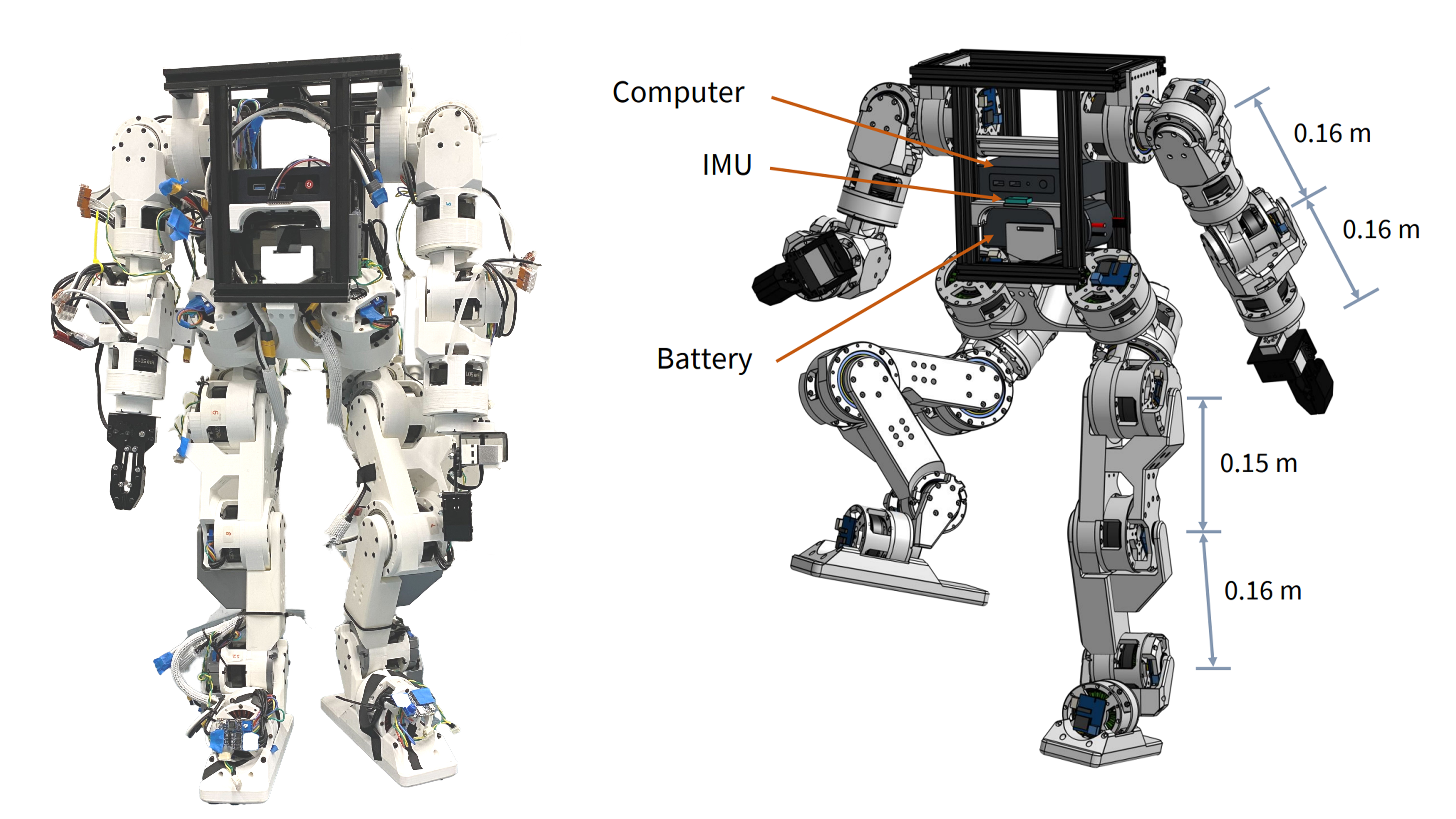
Berkeley Humanoid Lite: Affordable Open-Source Robot with DIY Actuators
Explore the Berkeley Humanoid Lite, a budget-friendly open-source robot featuring 3D-printed actuators under $5,000 USD. Learn how its modular design benefits DIY projects.
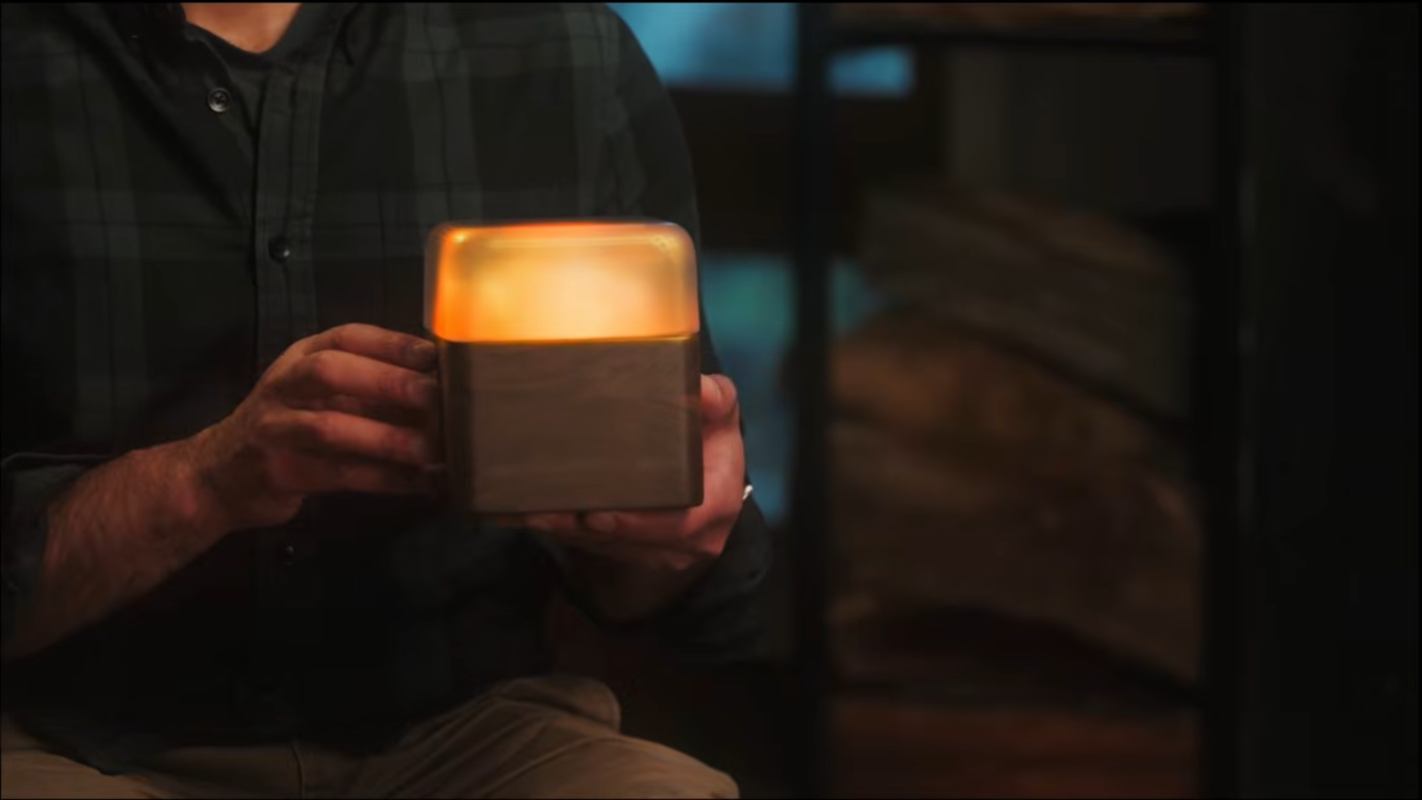
Woodstove Safety Monitor: Oru System Alerts Users to Temperature Fluctuations
Discover how the Oru woodstove assistant helps prevent dangerous chimney fires by monitoring exhaust gas temperatures and alerting users to temperature changes.
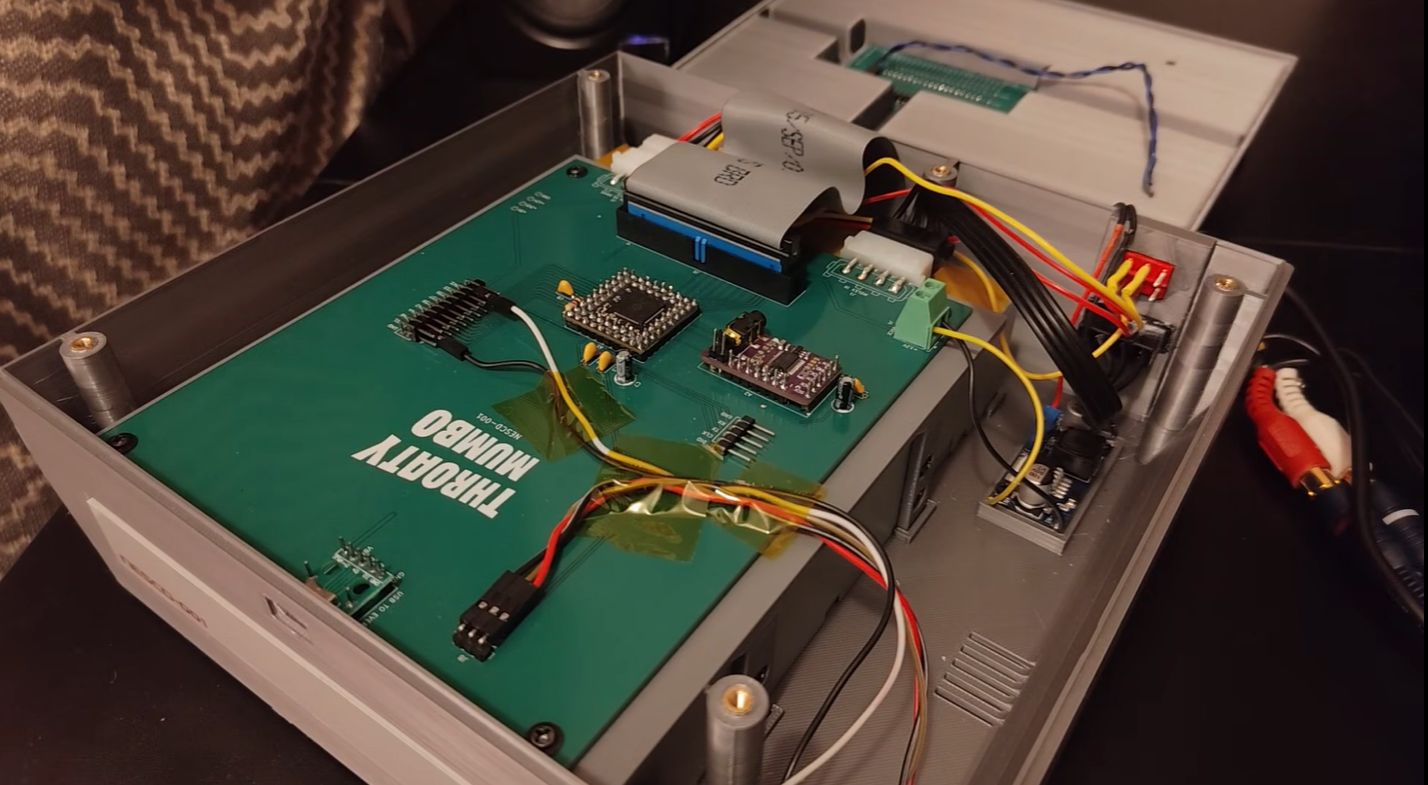
NES CD Add-On Revives 1980s Gaming with Optical Storage
Explore how a DIY project integrates a CD drive with the NES using an RP2350B microcontroller and Everdrive N8 Pro for expanded storage and audio playback.

Mumbai’s Vile Parle Cypher is giving unheard rappers a voice

Enrich and Ultimo impress

Karnataka CM Signals Review of 5% Park Land Amendment Bill in Assembly

